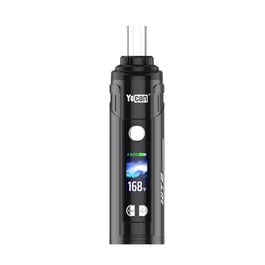





Yocan Hit 2 Replacement Mouthpiece
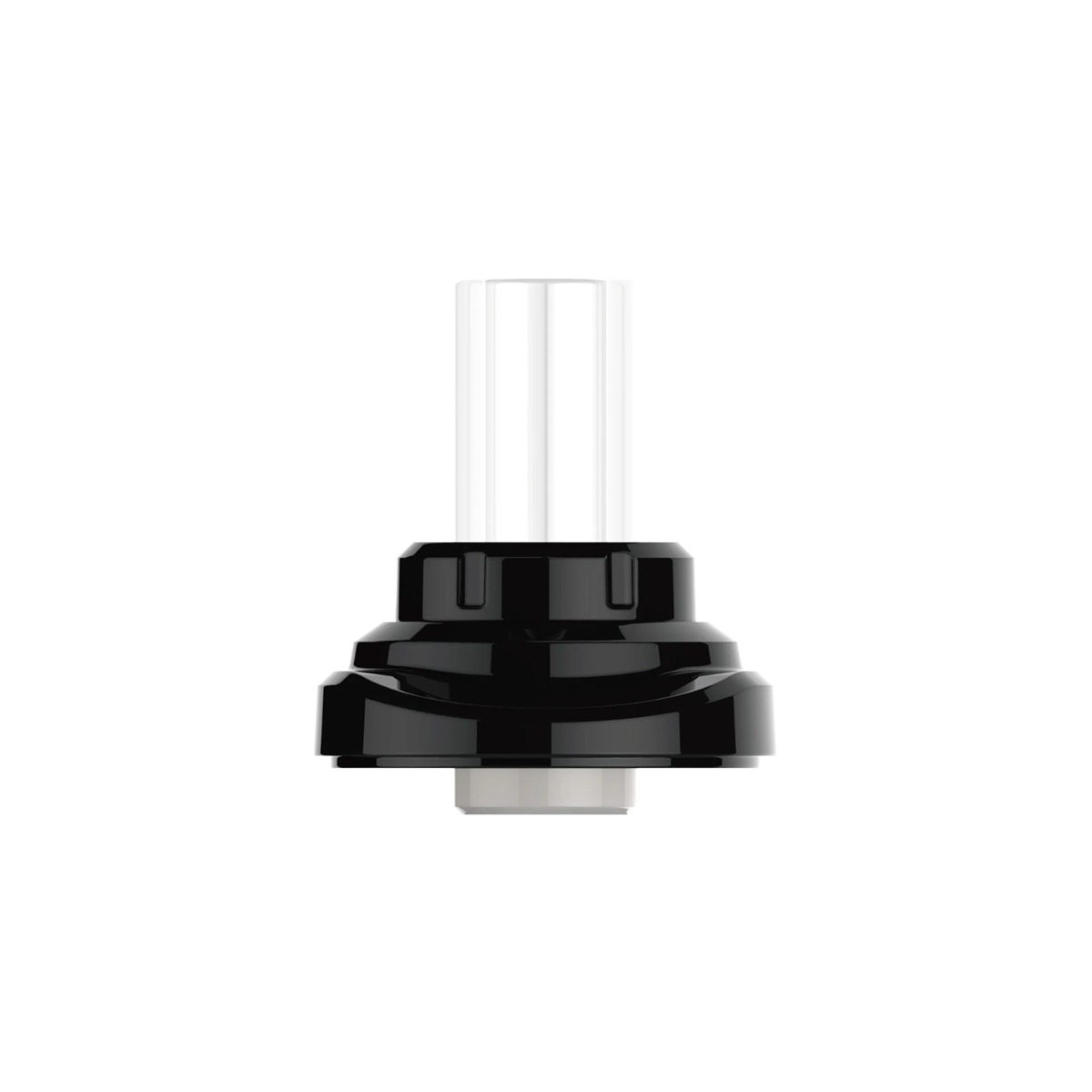
About Yocan Hit 2 Replacement Mouthpiece
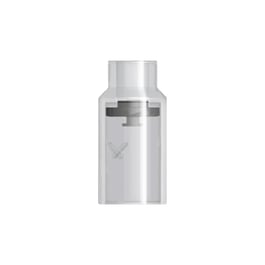
The Yocan HIT 2 Replacement Mouthpiece is a spare mouthpiece for the Yocan HIT 2 Dry Herb Vaporizer. It features a heat-resistant glass tube instead of plastic or metal, connects magnetically instead of threading on, and includes an integrated mesh screen that keeps fine debris out of the airpath.
Product Questions
Technical Specs
- Brand Yocan
- Country of Production China
- Type Mouthpiece
Customers also viewed

Additional information about Yocan Hit 2 Replacement Mouthpiece
Table of Contents
- You Should Buy the Yocan HIT 2 Replacement Mouthpiece If…
- How to Replace the Mouthpiece
- The Benefits of Glassware
- Cleaning the Mouthpiece
- Compatibility
You Should Buy the Yocan HIT 2 Replacement Mouthpiece If…
You should buy the Yocan HIT 2 Replacement Mouthpiece if your original one is chipped, cracked, or lost. It's a great way to restore your Yocan HIT 2 to peak performance if your draw feels weaker and the built-in screen looks clogged in a way a quick wipe won't fix.
How to Replace the Mouthpiece
There's nothing to unscrew here, just a magnetic connection to pull apart and snap back together. Here is a step-by-step guide:
- Power off the HIT 2 and pull the old mouthpiece straight off the device.
- Line up the new mouthpiece with the magnetic connection point on top of the device.
- Press down gently until it snaps into place.
- Power the device back on and draw as usual.
The Benefits of Glassware
The Yocan HIT 2’s glass mouthpiece is a huge factor if you want to taste pure, unadulterated terpene flavors. Glass is inert, doesn't off-gas, and will not affect the flavor profile of your vapor, unlike silicone or plastic. The glass mouthpiece is also heat-resistant, so there’s minimal risk of breakage after repeated heating and cooling cycles.
Cleaning the Mouthpiece
Keeping the mouthpiece and especially the screen clean are essential to it working well and not muting or changing the taste of your vapor. Wipe down the flat magnetic surface after sessions to keep residue from building up. You'll know you need to clean the screen if a draw suddenly feels harder to pull than usual. If so, check the screen for buildup before assuming something else is wrong, since that is usually the first thing to happen.
Compatibility
Customer Reviews
Related Products